

Application Step by Step Guide (2025 Update)
At the College Relief Fund, our application process is designed to be easy, fast, and straightforward. We understand that some applicants may encounter challenges on the dashboard, so we’ve created this comprehensive guide to help you navigate each step smoothly.
Please take time to follow the Steps as outlined here.
1. REGISTRATION.
Before you can apply, you must create an account to access the full functions of your College Relief Fund Dashboard.
✅ How to Register:
Visit the LOGIN and register for an account. Its fast and free.
Use a valid email address— ensure that your email is active as a link to activate your account will be sent to you.
1b. ACTIVATION ISSUE 🚨
- At the point of registration, a link will be sent to your email to activate your account.
- Click on the link in your email to activate your account. The mail should be in your inbox. However, also check your Spam Folder.
- If you cant find the email or your account is still PENDING, follow the below steps:
- Click LOGOUT link from above, then return to this page (https://www.CollegeReliefFund.com/guide)
- Visit THIS PAGE and attempt to login with your email address and password
- It will inform you that you have not confirmed your email and will offer to RESEND ACTIVATION.
- Resend the activation and ensure you click the link sent to your email address.
🚨 Already Registered? If you have previously registered, skip this step and proceed to login.
2. LOGIN.
Before you can make full use of the Scholarship Application process, you must be logged in.
✅ How to Log In:
Click LOGIN at the top of the page.
Enter your Email or Username, and a secure login link will be sent directly to your registered email address.
- Click that link sent to your inbox, and you’re in—quick, simple, and secure!
- The link should be in your inbox. However, also check your Spam Folder.
🚨 Having trouble logging in?
If the page keeps reloading, try using a different browser or switching your data network.
If using Google Chrome, disable “Lite Mode” for a smoother experience.
- If you have ad-blockers or script-blockers, it may interfere with the functions of the portal. So, disable them.
If you forgot your password, click “Reset Password” and follow the instructions.
📌UNDERSTANDING YOUR DASHBOARD
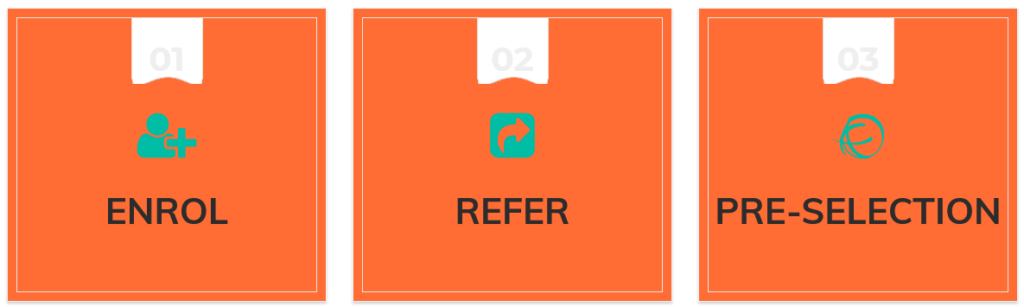
Once logged in, your dashboard will display 3 FLIP BOXES (Clicking it gives you more information & action)
🔹 ENROL – Where you complete your application.
🔹 REFER – For referring friends and getting incentives.
🔹 PRE-SELECTION – Updates on your application status.
3. ENROL
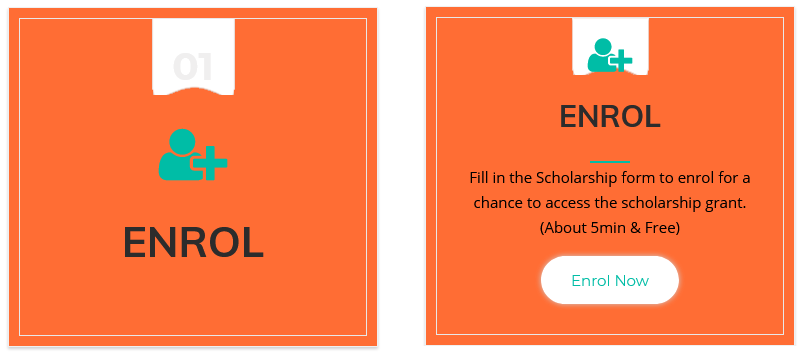
This is the Most Important Step in your scholarship application. It takes approximately 5 minutes to complete.
✅ What to do:
Provide your Personal, Academic, Family, and Expenditure information.
Ensure all details are truthful and accurate—they will be verified.
⚠️ Failure to complete this step means your application is INCOMPLETE!
4. REFER
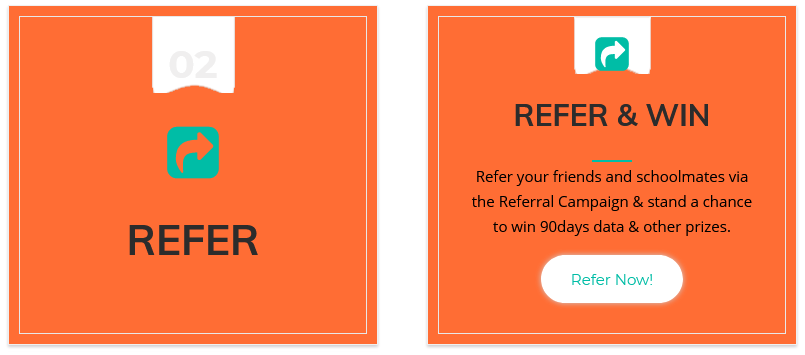
We encourage you to REFER your friends/classmates who may need financial support.
🎁 Referral Benefits:
Successful referrals can earn you incentives like data or airtime.
Winners are randomly selected from all those who refer others. Higher points means higher chances of bigger incentives.
✅ What to do if your referral status doesn’t change to green after 24hrs:
Visit the Referral Page and take a screenshot of your referral entries.
Send a message to our official WhatsApp support line (available on the Contact Page).
Include your screenshot, email address, and the date you completed the referrals.
A support staff member will review and assist you.
📌 Naira & Sense Series
While waiting for Pre-Selection, you MUST go through the Naira & Sense Series. It is now compulsory to help applicants with financial management and risk/budgeting skills.
📚 Why is this important?
✅ It is compulsory for all applicants.
✅ Test questions based on this series carry more marks in the Aptitude Test.
✅ It equips you with valuable financial knowledge to help you manage money effectively.
📖 Access the Naira & Sense Series HERE and make sure you absorb the insights provided.
5. PRE-SELECTION
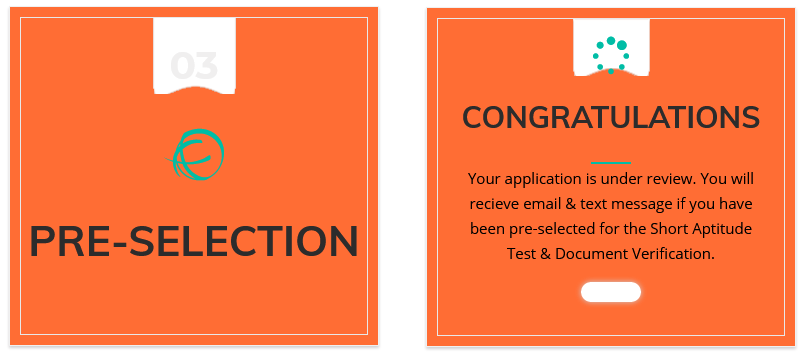
You have no control over the Pre-Selection Flip Box. You cannot manually update the box. It will remain orange until your status changes.
✅ Possible Status Updates:
- Pre-Selected – You will be invited for an Aptitude Test and document verification. (Both are FREE!)
- Wait-List – Your status may change to Pre-Selected later, depending on availability.
- Ineligible – You do not qualify for the scholarship.
⚠️ Your status will change in due time. To ensure you do not miss this important update, we advice you to regularly check your DASHBOARD for updates.
THE IDEAL DASHBOARD
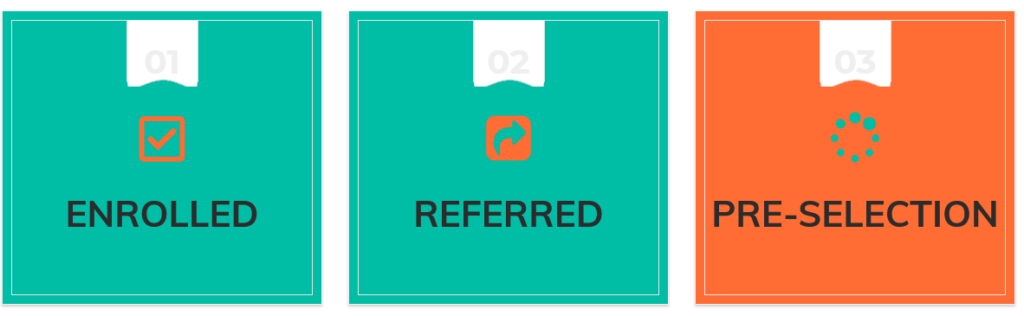
The above image reflects the Ideal Dashboard status at the end of your application process.
⚠️ Important:
Keep checking your dashboard and email for updates.
If you miss important updates, you could lose your scholarship opportunity.
This guide ensures you complete your application properly and increase your chances of being selected.
🛑 Don’t wait! Complete your application, go through the Naira & Sense Series and stay informed.
For more details, please see the FAQ page as your questions might have already been answered.
Final Note:
Keeping your information updated and engaging with the Naira & Sense Series will not only strengthen your application but also boost your chances in the selection process. Regularly check your dashboard and email for further updates throughout your application journey.
We wish you the best of luck and look forward to supporting you every step of the way!



Comments (346)
My enroll those not want to click
Thank you for this wonderful opportunity team CRF. I pray for positive results for everyone. Best regards.
When is the closure of enrollment pls?
May God bless this program initiate and associates..Amen
Wow!!!
Very interesting and a nice opportunity
With God all things are possible
I know he will see me through
Amen
I wil be more grateful if this schorlaship is real and I was able to be among the luck pupils
From view I think this will go a long way
The boxes are not opening why
Wow,This is so amazing.
I pray to be select my god grace (amin)
Pls how do I enroll???because my is not working
Thank u CRF for this opportunity. Please how do I refer people?
I have enrolled and also referred my friends. But it keep telling me that I have not completed step two. Why can I do?
I have completed all the requirements and still sending me messages that I haven’t complete it what is the solution to its
I have your mail that my application is successful enrollment in batch c but still please what’s next step
Why is it showing me incomplete when it’s completed?
Is this also open to post-grad students?
Please kindly inform me when the exam will take place
Keep up the good work!
After aforementioned informations I Don’t seem to see any Step by step box.
Please brother, I would like to have ur phone number
Mine is still showing “Reserved) why?
My dashboard is not opening, how do I open it?
how do i apply?
The enrollment box seems not functioning!
Go one step backwards and try clicking it again
How will do with pre-selectiton stage
I checked your awardees list and it was encouraging. Thanks for your concern towards student relief 🤝
My pre-section is not opening for me to complete my registration and enrollment
Please how do l enroll
Follow the steps prescribed on the website
My enroll refused to click ….how can I do that …using mobile phone to….
I did not see the option to upload my document. I need assistance please
Hahaha 😂😂😂
It’s a bit confusing, how do I know am enroll
Ask Google
Mine is still telling me to login even after I hav loggd in countless times
Thank you for this guide..it was truely helpful
Please help me out my own is showing incomplete enrollment, what can I do. Thank you.
im pre-selected for the aptitude test
Waiting for the 2022 scholarship portal to be opened
Please will a get a mail, on when the aptitude test will take place?
have enrolled and also referred my friends. But it keep telling me that I have not completed step two. Why can I do?
I think after referring your friends you need to confirm it, by clicking on confirm referment. it always Pop out on your phone or system screen that use it to register after referring.
have enrolled and also referred my friends. But it keep telling me that I have not completed step two. Why can I do?
Well, Thanks you CRF for this greatest opportunity granting to Africa student. I’m done with my registration and referring and I pray may I be among your pre selected one. Amin
Pls how do I get a referral code to refer my friends
What is the correct way to write the date of birth
DD-MM-YYYY
or the other way around depending
I am Pre-selected but it has been observed that you are yet to complete your Enlisting and Selection of Test Date as instructed.
and I login into my dashboard and those flix boxes are not showing on my dashboard
What am I expected to do next? I’ve referred people yet I’m asked to complete my application
I can’t log into my dashboard, hence I have not enrolled.
Pls help
I have referred people yet I’m ask to complete my application I don’t no what to do next
its saying referal has ended, what do i do to complete mine
Can’t login with my username
I don’t understand what step by step means in this place please explain better.
It simply means the processes to be taken to enable your registration and verification progress
I had done my registration, but is it important to refer???
And moreover, I had done my registration but the color of my ENROLL AND REFER, has not change, please does it mean